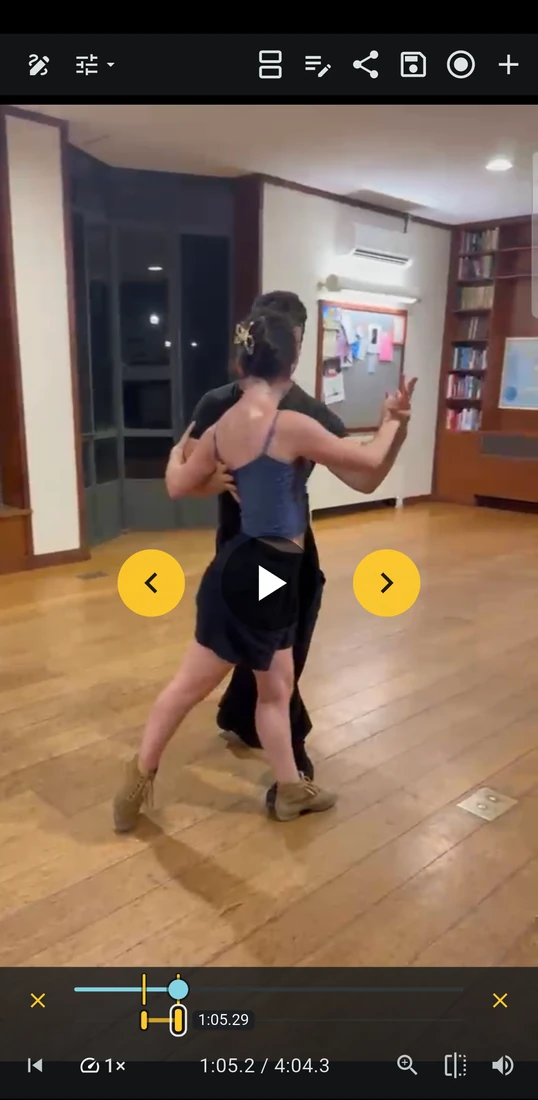
1 Record, replay and loop
Focus on the
moment that matters
Film in INFORM or open a video you already have. Slow playback and loop a key moment to examine technique together.

FOR DANCE, MOVEMENT, AND SPORT TRAINING
Record, compare and annotate movement in one app. Turn your observations into precise video feedback clients can use in training.
How it works
Show clients what you see, why it matters and what to work on.
1 Record, replay and loop
Film in INFORM or open a video you already have. Slow playback and loop a key moment to examine technique together.
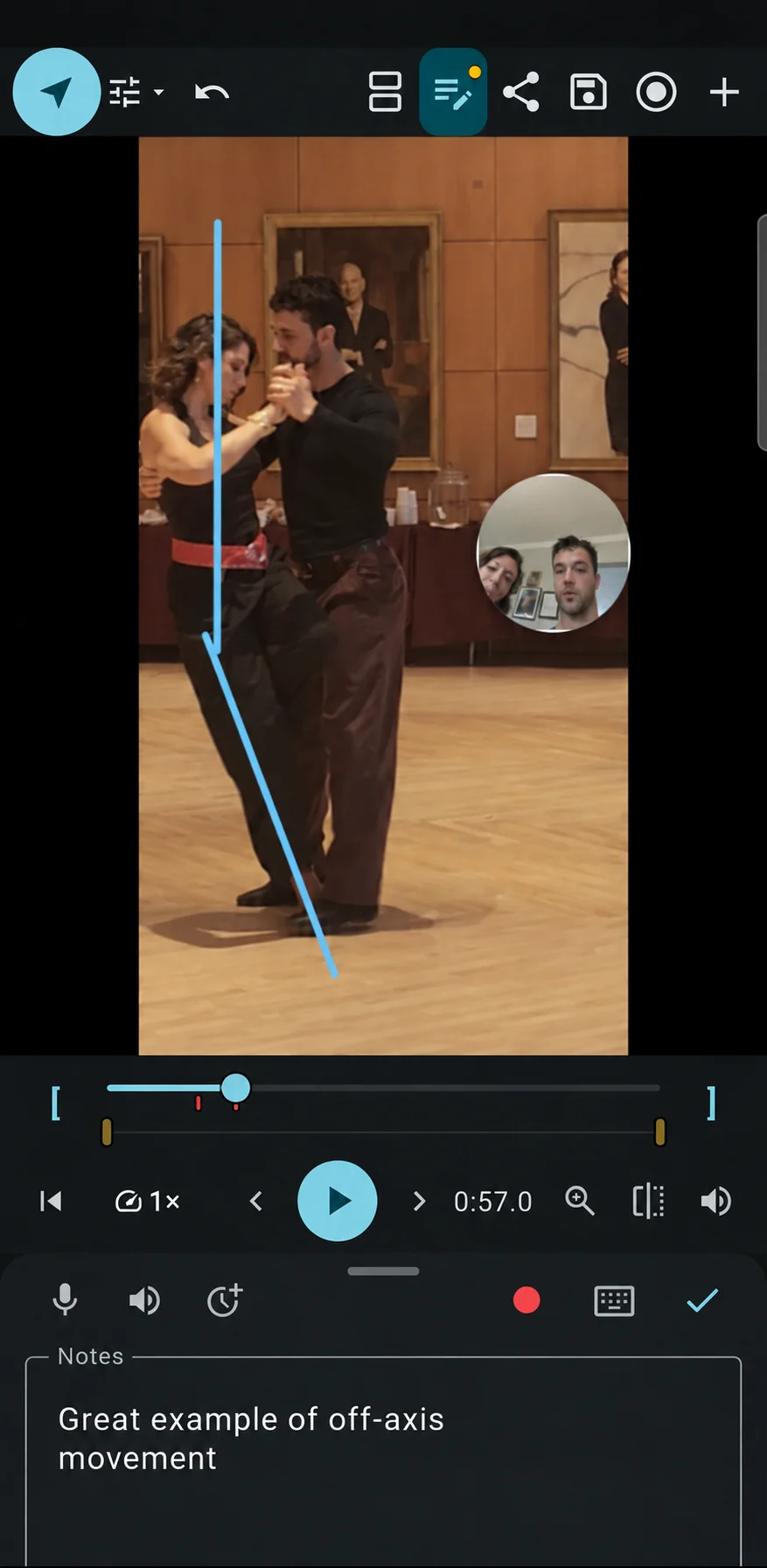
2 Annotate, take notes and share
Draw lines and measure angles directly on the video. Keep notes and coaching cues with the clip, then record your explanation and export it as a video clients can revisit between sessions.
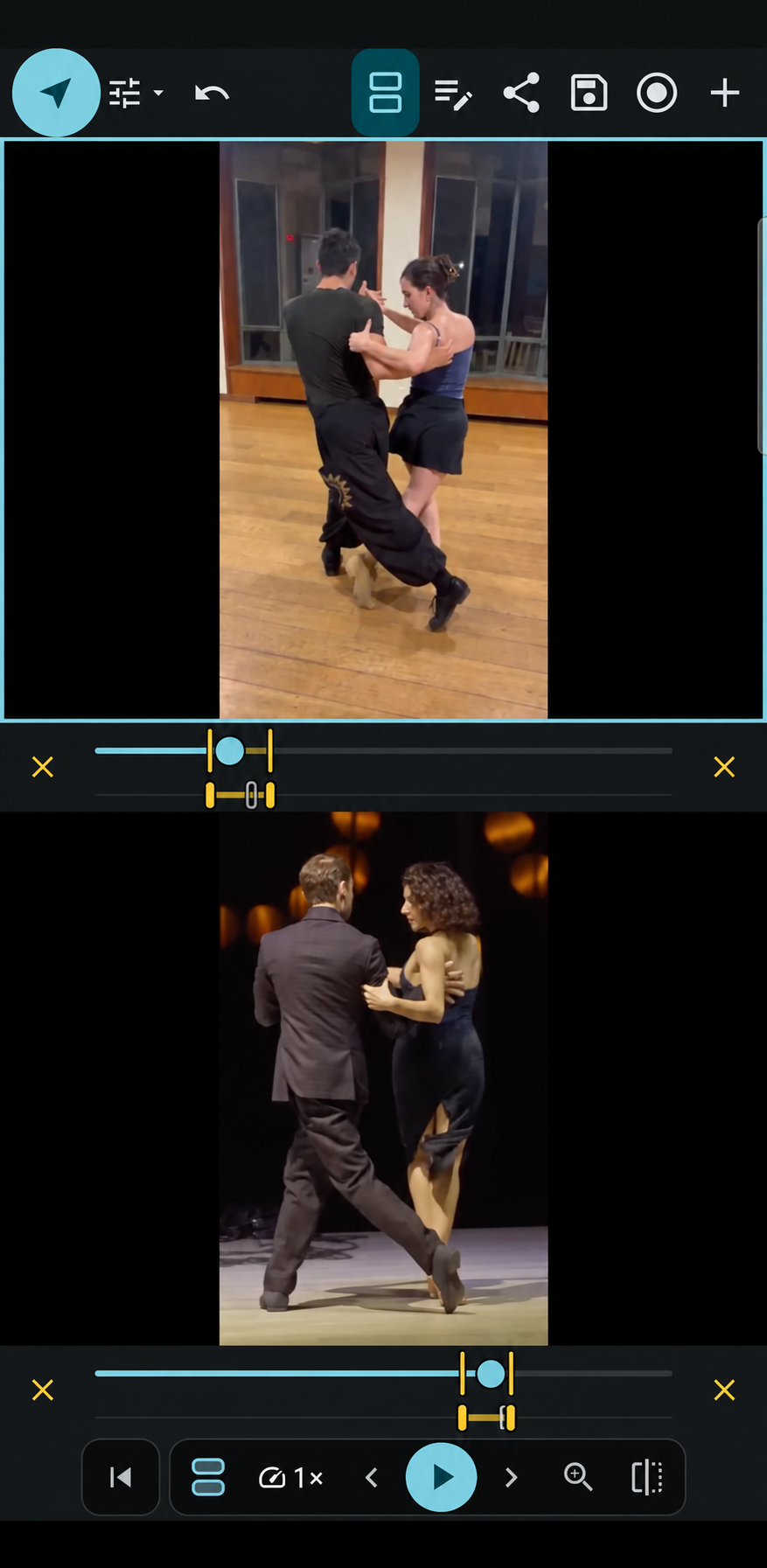
3 Compare videos
Compare a demonstration with a client’s movement, or review clips from different sessions to identify changes in technique.
From dance technique to strength training, use the same tools to examine the movements that matter in your discipline.
Review a clip together in the studio, gym or outdoors. Connect your coaching cues to a moment your client can see.
Offer video reviews beyond your live sessions. Record feedback when it suits you; clients can watch the exported video without installing INFORM.
Being a choreographer and movement teacher, I had to find in a bunch of other apps the tools that are all conveniently present here. Can't recommend it more!
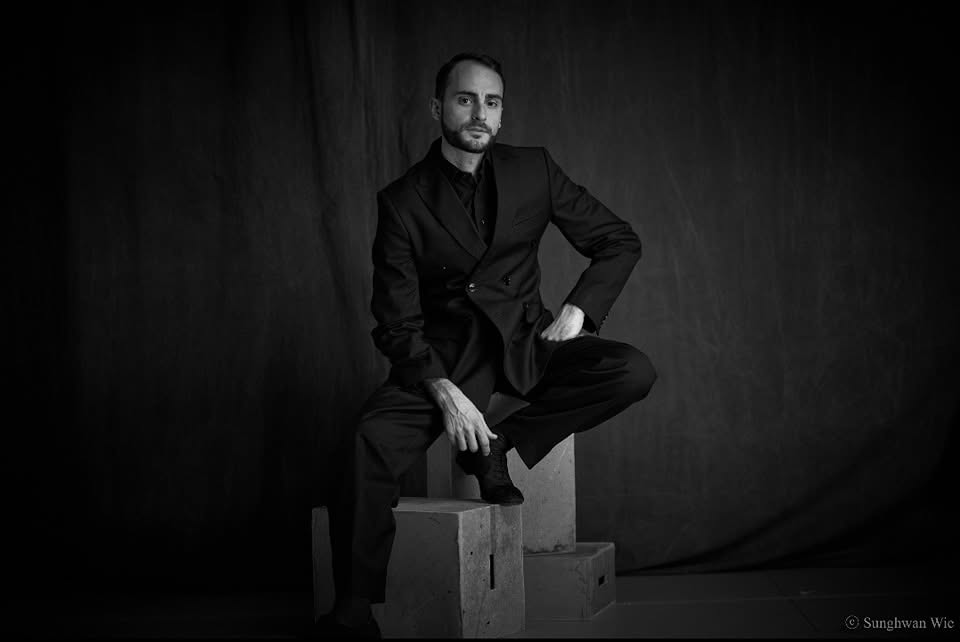 GIANPIERO GALDIInternationally acclaimed tango professional
For years I've been looking for a replacement for the defunct Coach's Eye. INFORM is a beautiful answer. The controls layout is clean and intuitive.
For your business
Use the app with your clients, or talk to us about integrating INFORM technology into your training platform.
For coaches
Use the INFORM app to give clients a reference they can return to between sessions.
For training platforms
Explore a customised integration of INFORM’s analysis tools into your dashboard and user experience.
Get in touch
Tell us what you’d like to explore. We’ll reply to arrange a conversation.
Desktop Version In development
INFORM is built for coaches and practitioners who study movement to refine technique—in dance, movement training and sport. Training platforms can enquire about customised integration.
Your videos, drawings and notes are currently stored on your device, not in INFORM cloud storage. We plan to add cloud storage and will explain how your information is handled before it launches.
Not currently. We plan to introduce accounts and sign-in.
No. Export your feedback as a video and send it through your phone’s sharing options. Cloud sharing is planned but is not available yet.
We work with platform teams to explore custom integration. Contact us to discuss your requirements, technical feasibility and commercial terms.
Android phones running Android 7.0 or newer, and iPhones running iOS 15 or newer.
See INFORM in action
Start with a demo of the app, or talk to us about your platform.